Today & week view
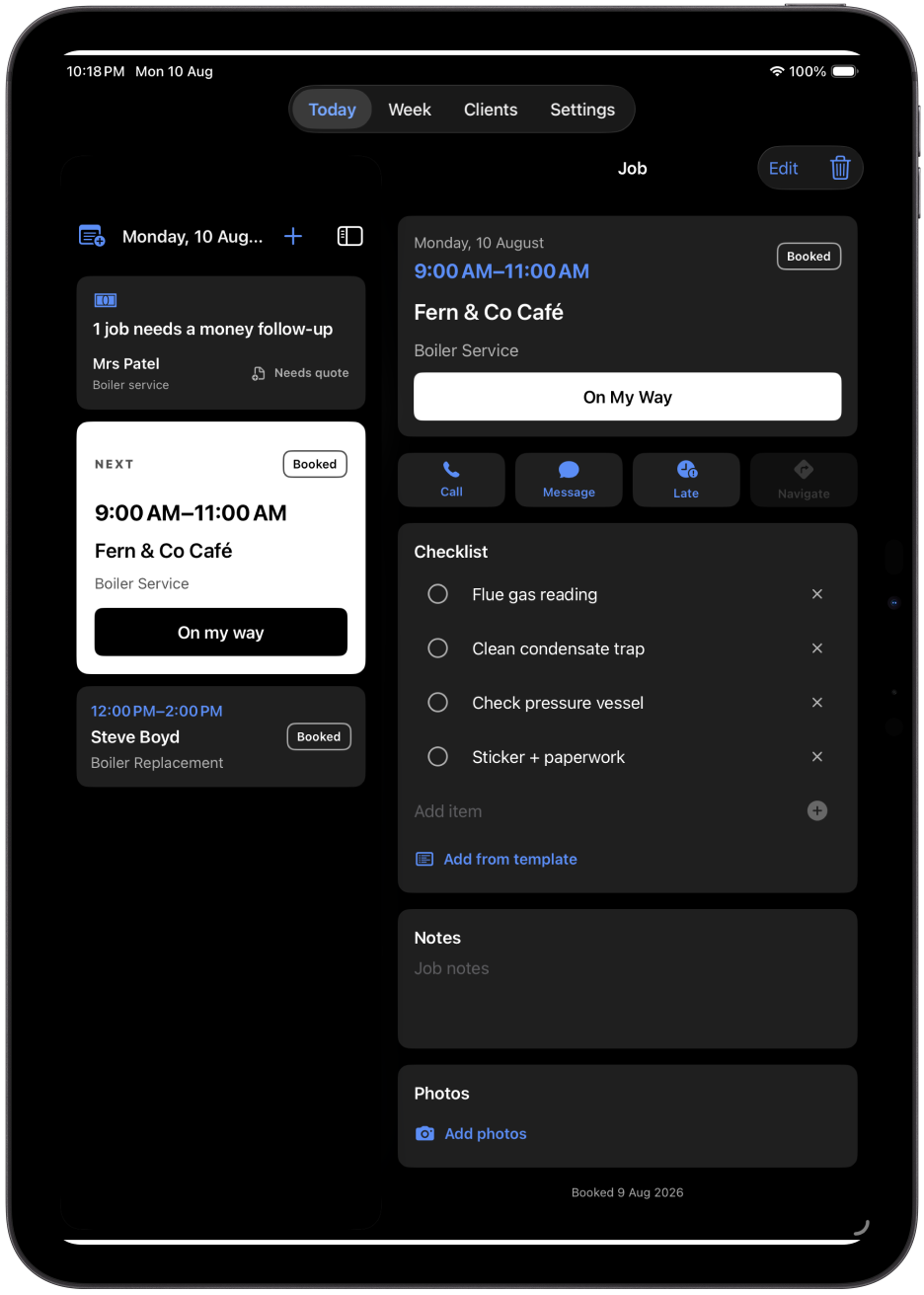
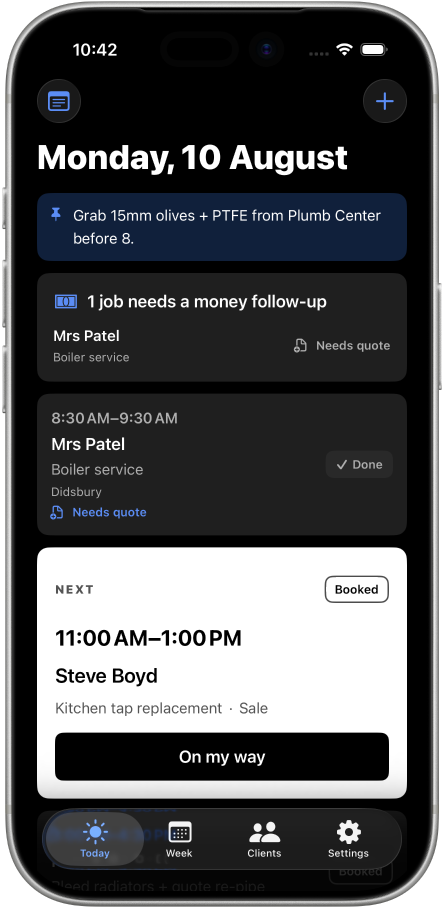
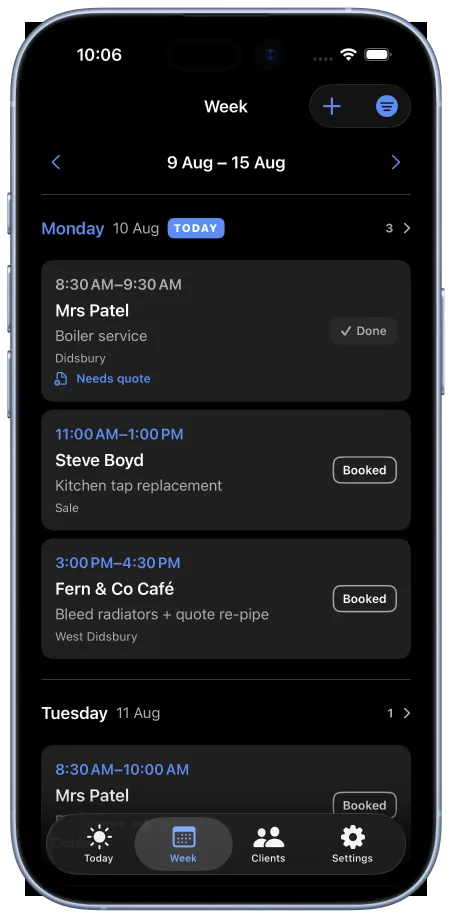
See the next job, booked jobs, and open follow-ups at a glance - then plan the week from the same place.

Trade Job Scheduling: JobBook
JobBook keeps the day's schedule, client details, checklists, and money follow-ups in one calm view - so nothing depends on memory between jobs.
iPhone & iPadDaily schedule viewMoney follow-ups
Screenshots
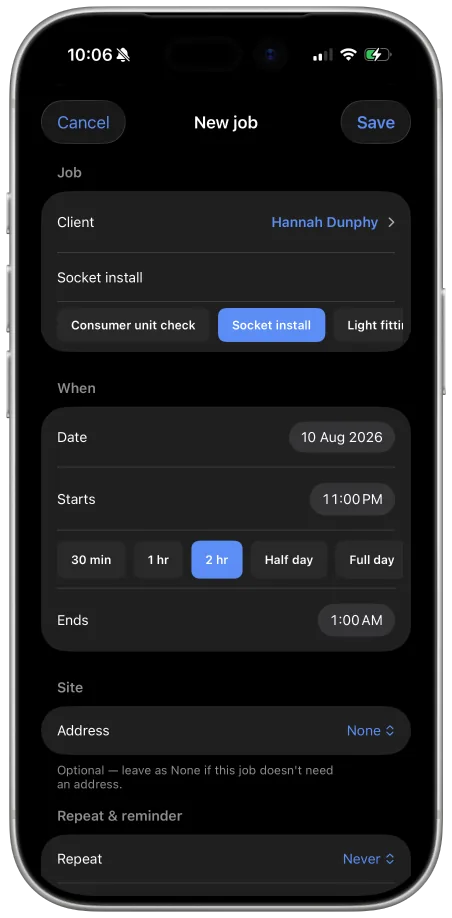
Book the job, work it, close it out - with the week's schedule and every open follow-up one tap behind.
Built around the working day
JobBook surfaces the jobs, people, and money follow-ups that matter today, and keeps job-site detail one tap away.
See the next job, booked jobs, and open follow-ups at a glance - then plan the week from the same place.
Jobs that need a quote or payment stay visible until they're resolved, so nothing quietly falls through.
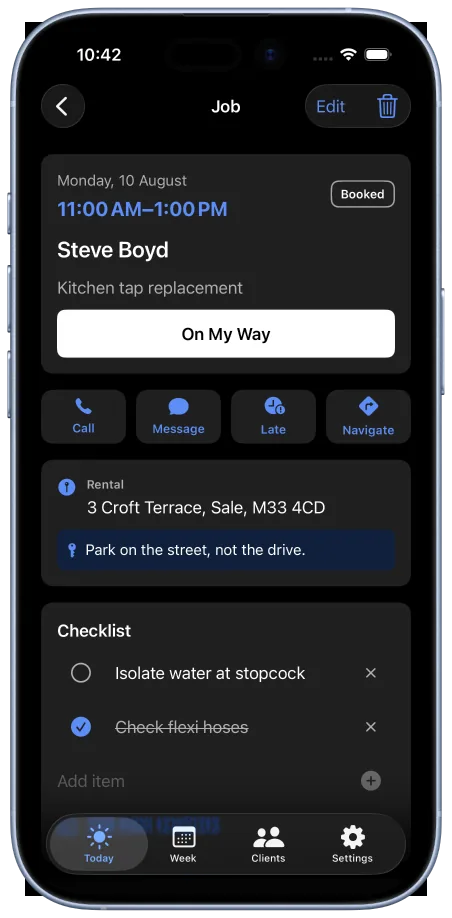
Job checklists - reused from a template or built on the spot - keep site work consistent and complete.
Call, message, or navigate straight from a job, with notes and photos kept alongside the work.
FAQ
JobBook is a trade job scheduling app built for independent trade professionals who need a clear, daily view of scheduled jobs and client follow-ups.
Yes. JobBook includes a Today view for the current day and a Week view for planning ahead.
Jobs that need a quote or payment are flagged as money follow-ups and stay visible until they're resolved.
Yes. Add checklist items on the spot or reuse a saved template for consistent site work.
Yes. JobBook and TradeBill are part of the same suite, designed for a clear handoff from a scheduled job to a quote or bill.